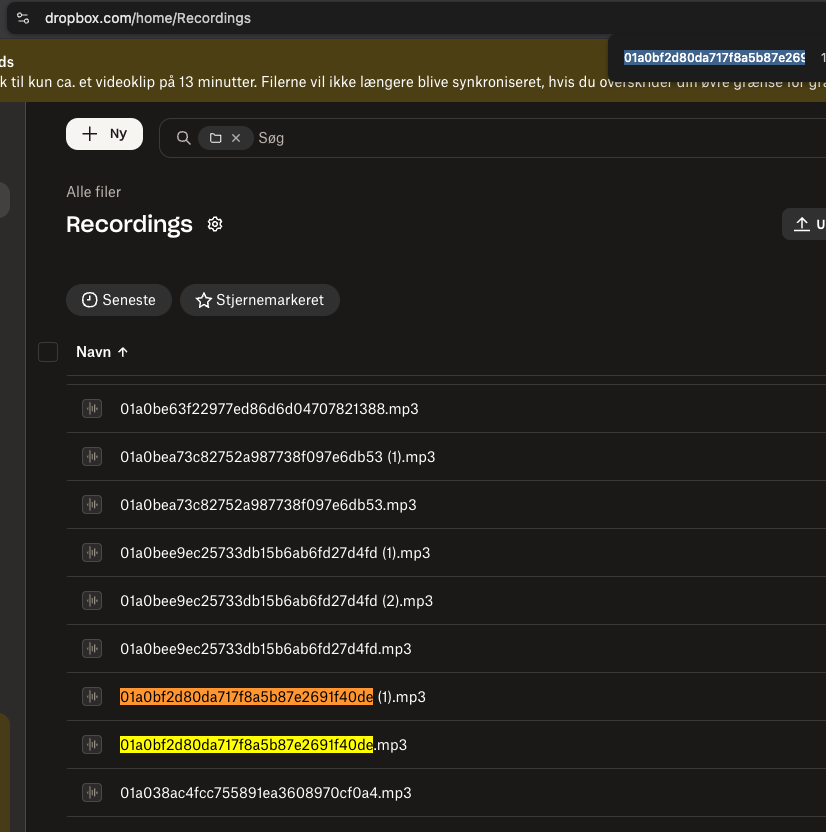
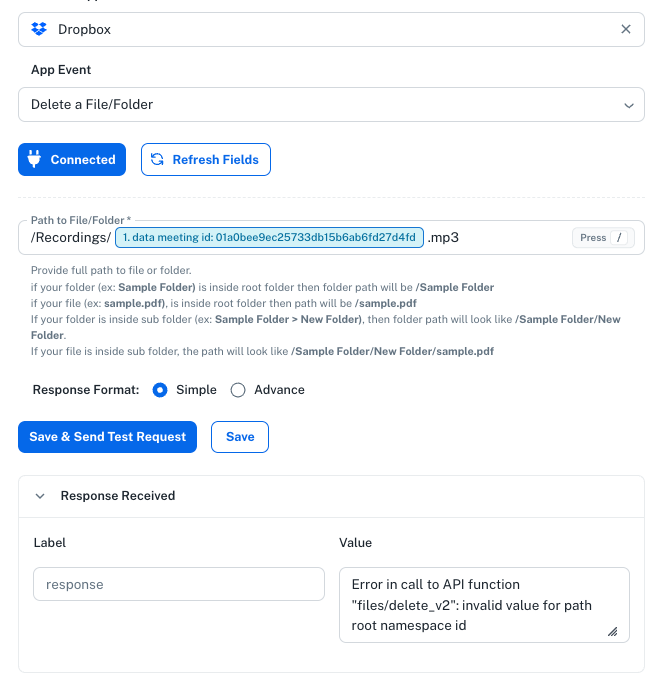
Broken Dropbox delete command
Status: Closed ยท Asked by Anders Nielsen on ยท 0 views


Hello Anders,
Thank you for reaching out and sharing the screenshots.
Could you please let us know the type of your Dropbox account?
The error "invalid value for path root namespace id" in the Dropbox API occurs when your application tries to access a file or folder using a path root that the authenticated account does not have access to, or when the namespace ID formatting is incorrect. This frequently happens in Dropbox Business (Team) accounts when switching between user and team spaces.
Thanks & Regards,
Adeel Akhtar
๐ Pabbly.com
It is a free Dropbox account and I have no issues uploading files using Pabbly for instance. It's a free one user personal account.

Hello Anders,
Can you update the Dropbox connection once and make sure that you give all the necessary permissions while updating the connection. Let us know once you update the connection so that we can check the actions.
You can update the connection by navigating to Settings -> Connections -> Type the application name in searchbox-> Click the 3 dots at the extreme right side of the connection-> Update connection
Thanks & Regards,
Adeel Akhtar
๐ Pabbly.com
But I can upload with no issues from the same connection - Also I have tried to reconnect multiple times - no change. All permissions are given.
Hello Anders,
Kindly grant us some time so that we can check the Dropbox integration where files are being called, that includes list file and delete file API requests that are failing.
We will get back to you soon once we reach a conclusion.
Thanks & Regards,
Adeel Akhtar
๐ Pabbly.com
Thank you!
Hello Anders,
We tested the Dropbox integration at our end, and all the actions, such as Create Shared link, Delete file, etc are working fine. Here is the screenshot of the Create Shared Link action execution. We recommend that you create a new connection in Incognito mode in the browser and then try.

Thanks & Regards,
Adeel Akhtar
๐ Pabbly.com