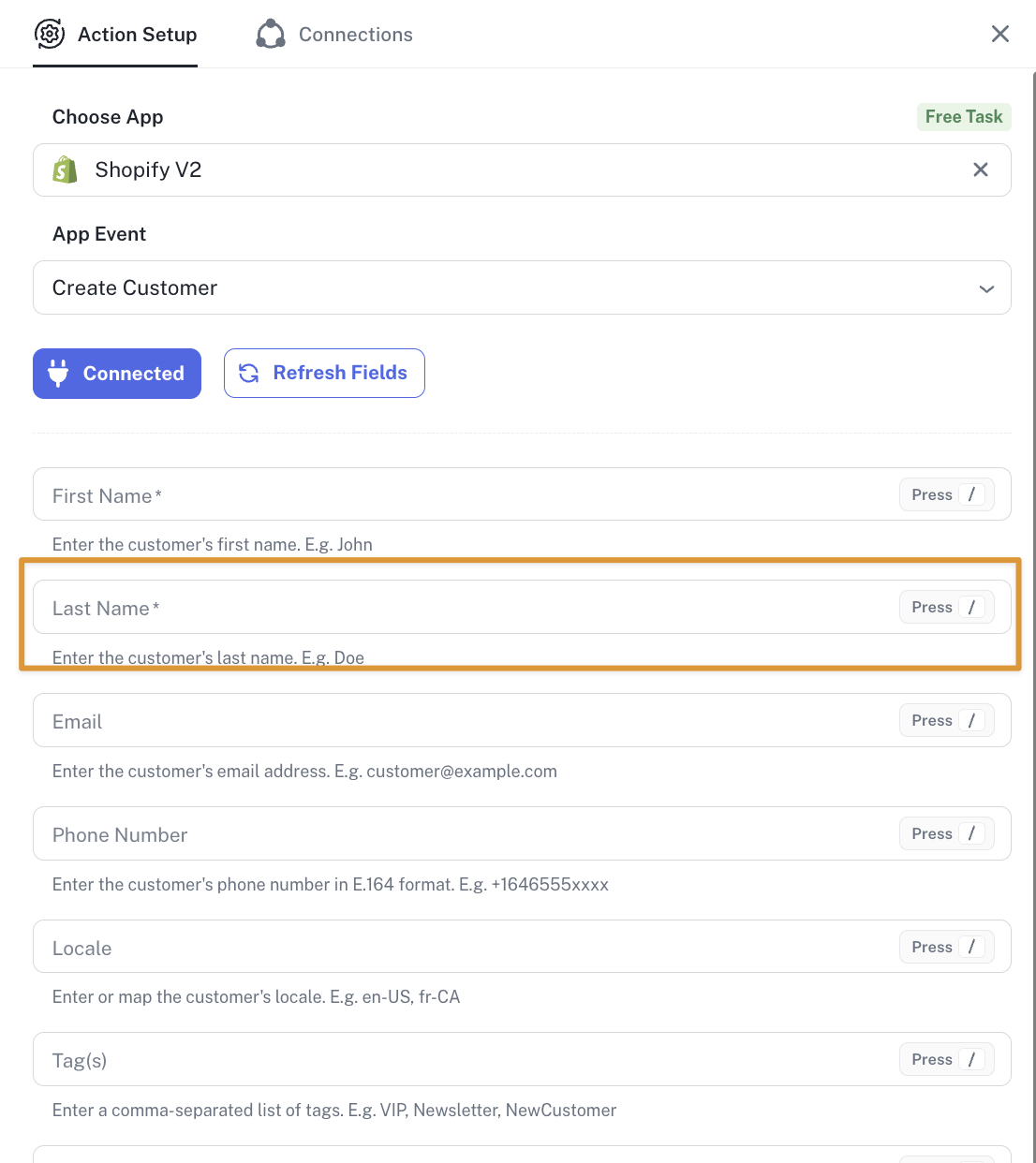
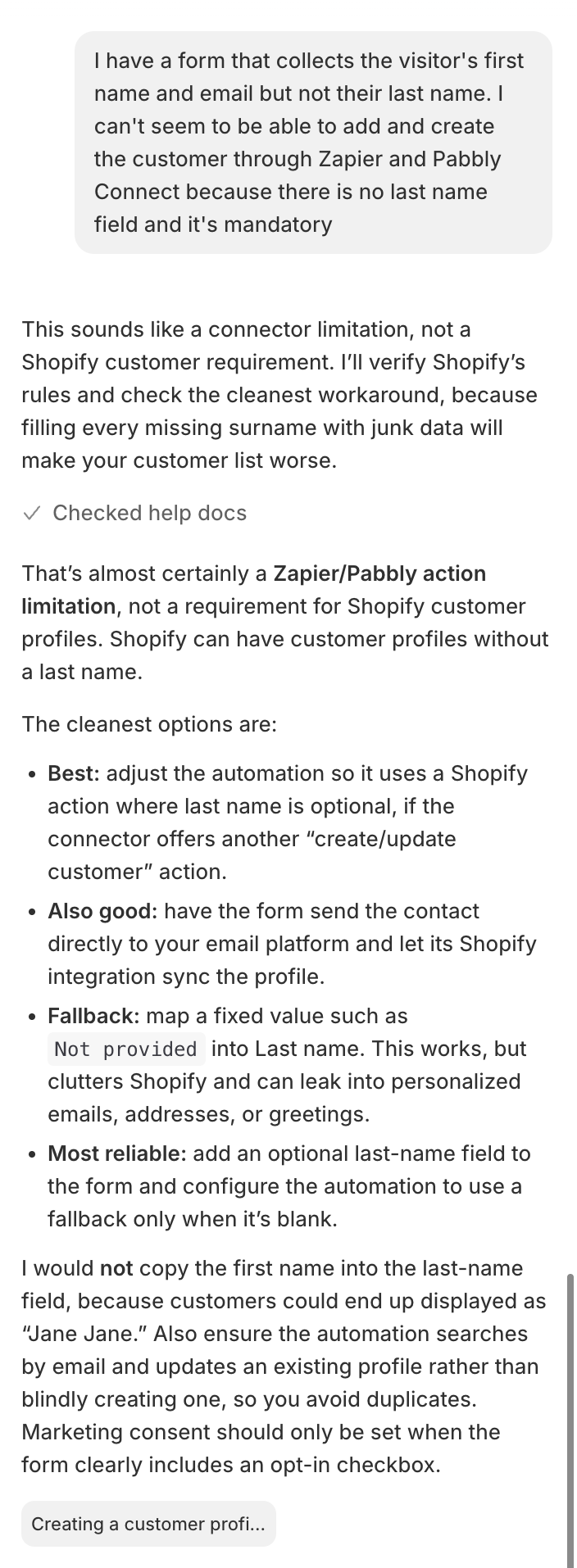
Shopify connection: Create customer action - please make Last name field optional
Status: Closed · Asked by Duy Nguyen on · 0 views


Hello Duy,
Thank you for reaching out and for the detailed explanation along with the screenshots.
Could you please share the Workflow URL cause the workflow URL that you have shared does not have any Shopify Action step so that we can look into it and provide information accordingly?
Please be aware that to assist you effectively, we may need to access your Pabbly Connect account. If you're comfortable with this, please grant us permission by stating in your next email: "You have my permission to log into my Pabbly Connect account, and edit workflow {If required}. Here is the registered email address associated with it."
Thanks & Regards,
Adeel Akhtar
🌐 Pabbly.com
It is not within any workflow - but I'm trying to add a Shopify step after the Tally step in this flow https://connect.pabbly.com/v2/app/workflow/mapping/IjU3NjUwNTZjMDYzZTA0M2M1MjZlNTUzNjUxMzQi_pc. You have my permission to log into my Pabbly Connect account, and edit workflow {If required}. Here is the registered email address associated with it [email hidden]
Hello Duy,
As we checked the workflow, there is no Shopify step in it at the moment. Can you add the step without Last name mapping and hit the Save and Send Test Request button?
Thanks & Regards,
Adeel Akhtar
🌐 Pabbly.com