Incorrect instructions WP Amelia integration
Status: Open · Asked by Remko Sieben on · 0 views
Hi there,
Login to your WordPress Dashboard. Navigate to Amelia > Functions and Integrations from leftside bar. Select Functions tab. Scroll down to Web Hooks card and click Configure Click + Webhook button. Give a name to webhook under Name field. Copy the webhook URL above and paste it under URL field. Set your webhhook Type to Event/Appointment. Select your webhook Action to Booking Completed. Save it. 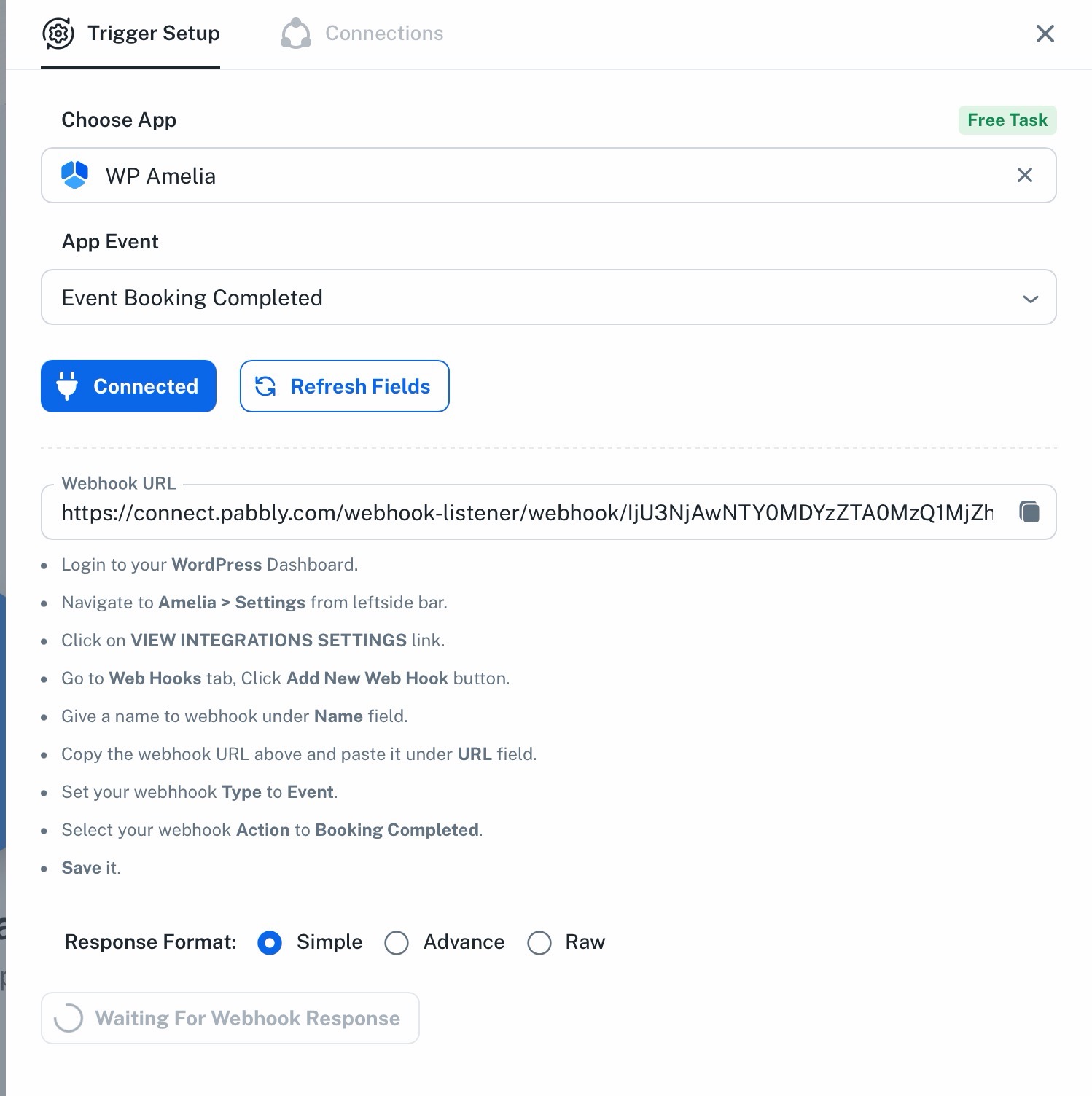
Just wanted to inform you that the WP Amelia instructions are outdated and incorrect.
Please receive my input for the correct instructions.
Hello Remko,
Thank you for sharing the updated instructions and screenshot.
We have forwarded your feedback to our concerned team for review. They will update the WP Amelia integration instructions accordingly.
Once we receive an update from the team, we’ll let you know.