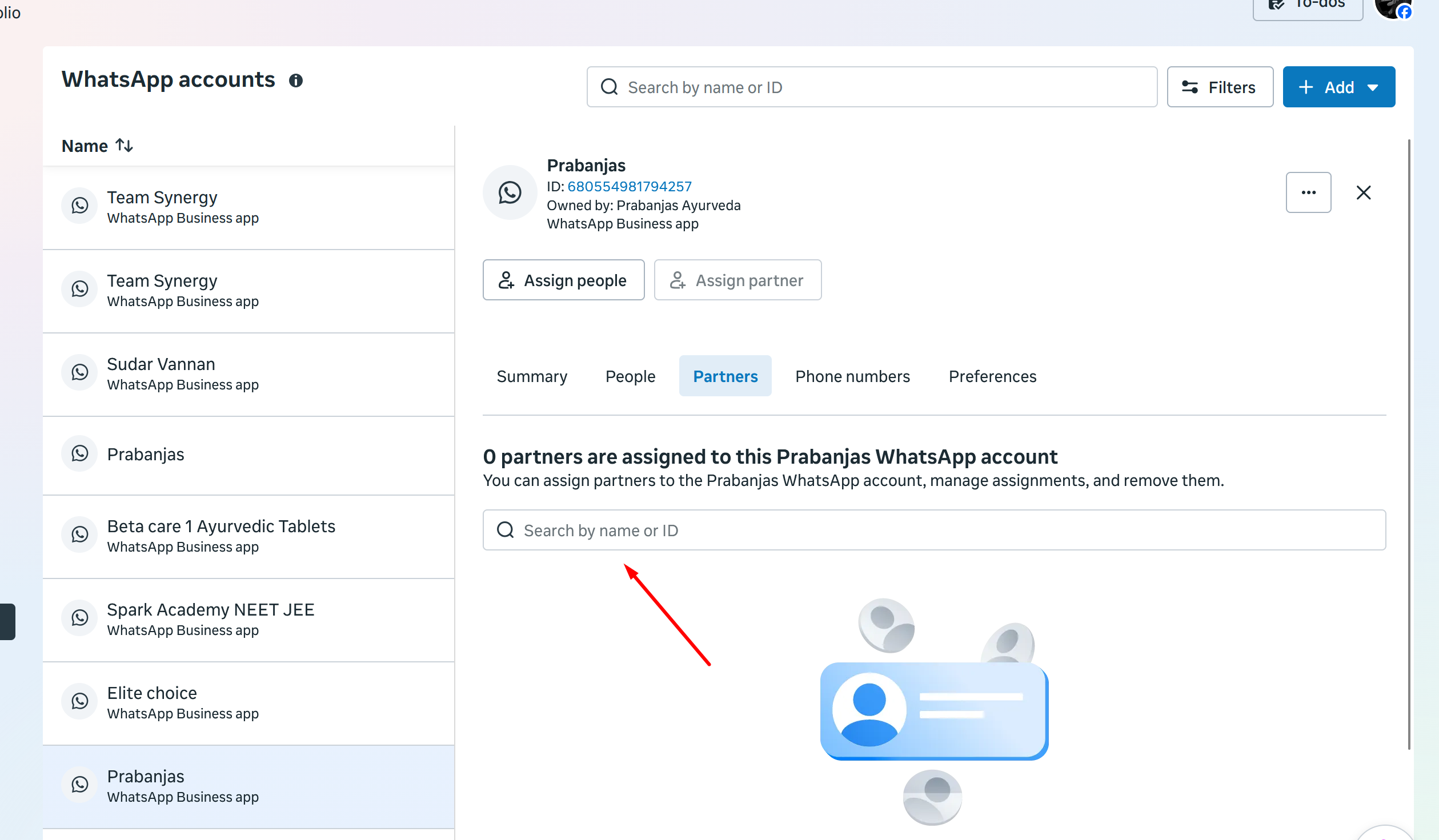
Mistakenly I removed Pabbly from Partners on Business portfolio
Status: Open · Asked by Priyanka Chinnasamy on · 0 views
WhatsApp ID - 680554981794257
Kindly help me at the earliest.
Hello Priyanka,
Thanks for reaching out.
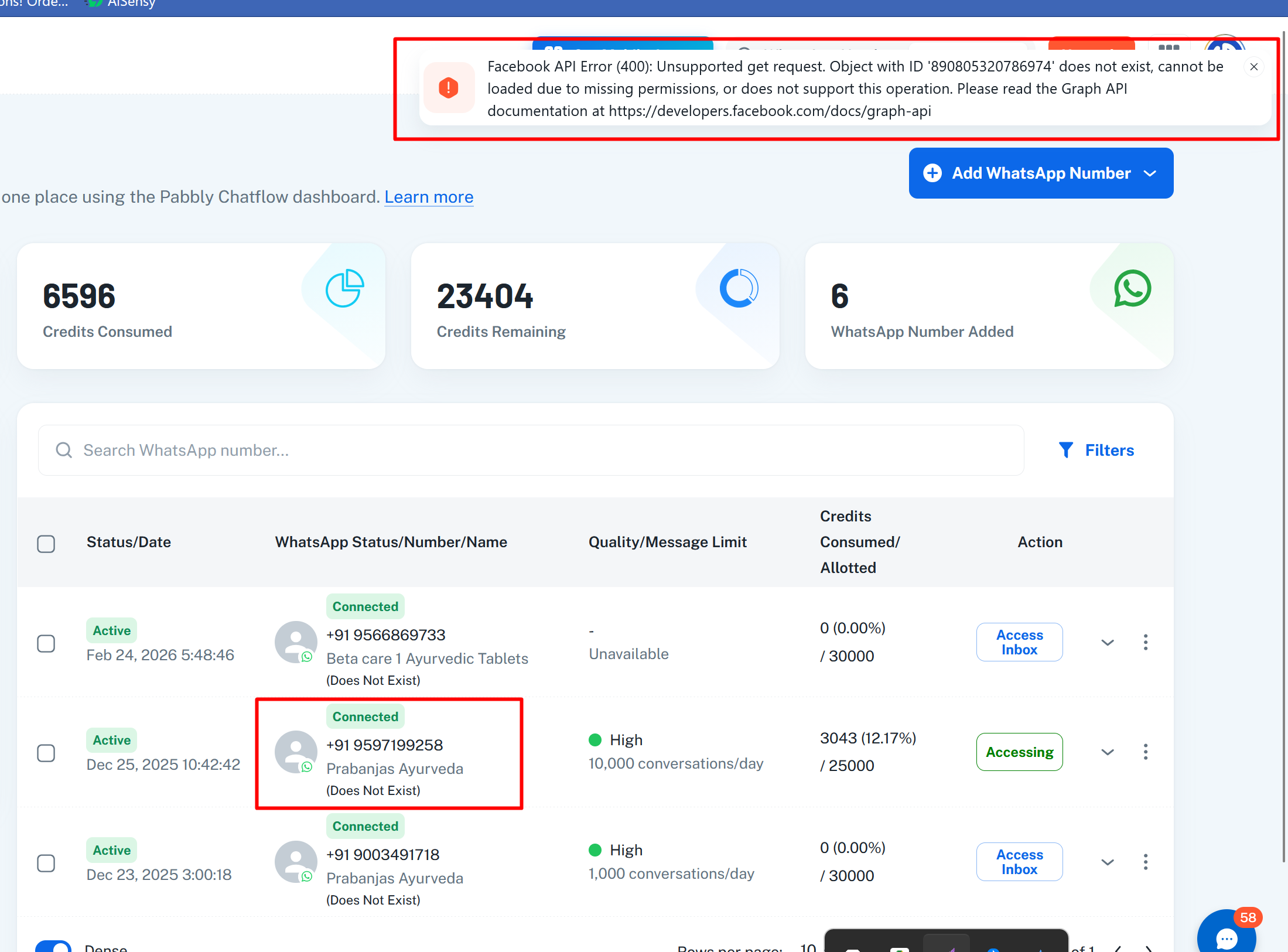
Since Pabbly was removed as a partner from your Business portfolio, the connection lost its required permissions. To restore access, please reconnect your WhatsApp number (do NOT delete the existing number):
1. Go to Add WhatsApp Number in your Pabbly Chatflow dashboard.
2. Click WhatsApp Connect.
3. Click Next through the Facebook embedded signup flow, making sure to grant ALL permissions on every screen (do not uncheck any permission toggle).
4. Once reconnected, try Sync again.
5. At the registration step, choose the correct option based on your number type: if it is a WhatsApp Business App number, click Subscribe; if it is a fresh/Cloud API number, click Register.
If the issue persists after reconnecting and granting full permissions, please share your Pabbly-registered email and the connected WhatsApp number, and we'll investigate further.
Thank you. Its resolved.
Before i delete the number from pabbly & tried adding again. Now its super cool.. :)