New Google Drive Upload Has Issue YET AGAIN!
Status: Closed · Asked by IChild Company on · 0 views
Hello,
Thank you for reaching out to Pabbly Support.
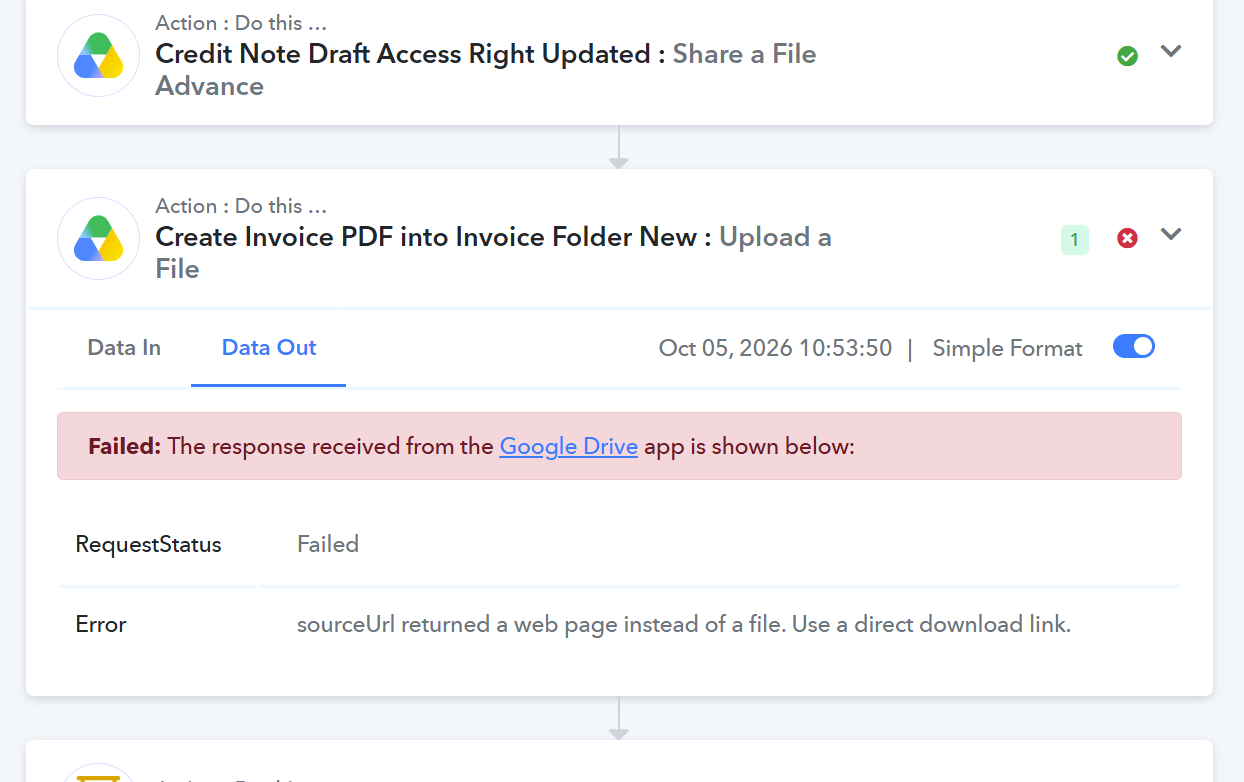
We reviewed your workflow and Task History details. The error:
sourceUrl returned a web page instead of a file. Use a direct download link.
occurs because the URL mapped in the File URL field is not returning the actual file to Pabbly. Instead, Google is returning an HTML access/login page.
1. Analysis of the URLs
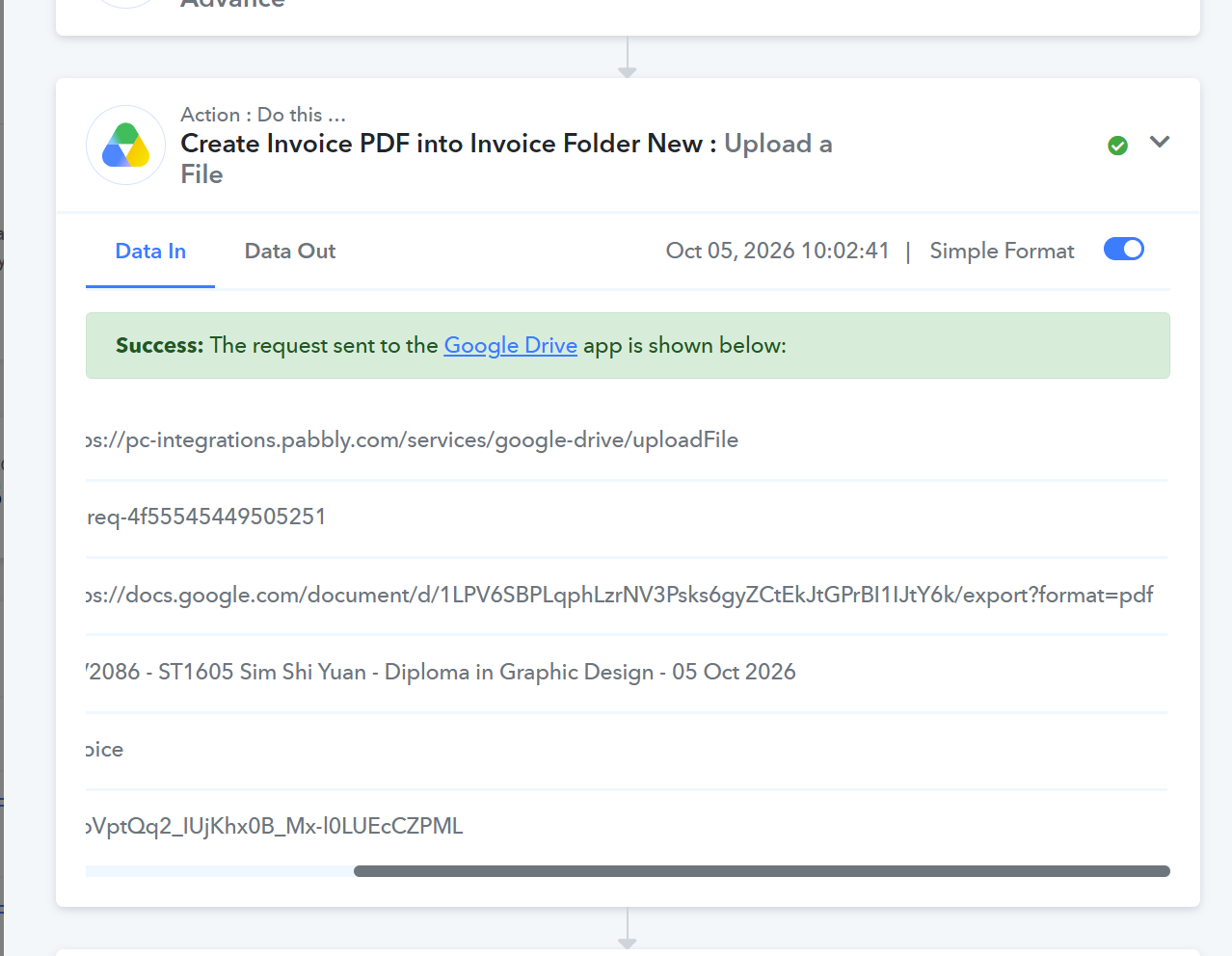
URL from the previously working workflow:
https://docs.google.com/document/d/1LPV6SBPLqphLzrNV3Psks6gyZCtEkJtGPrBI1IJtY6k/export?format=pdf
When testing this URL, Google currently returns a “Sorry, the file you have requested has been deleted” page.
URL from the failing workflow:
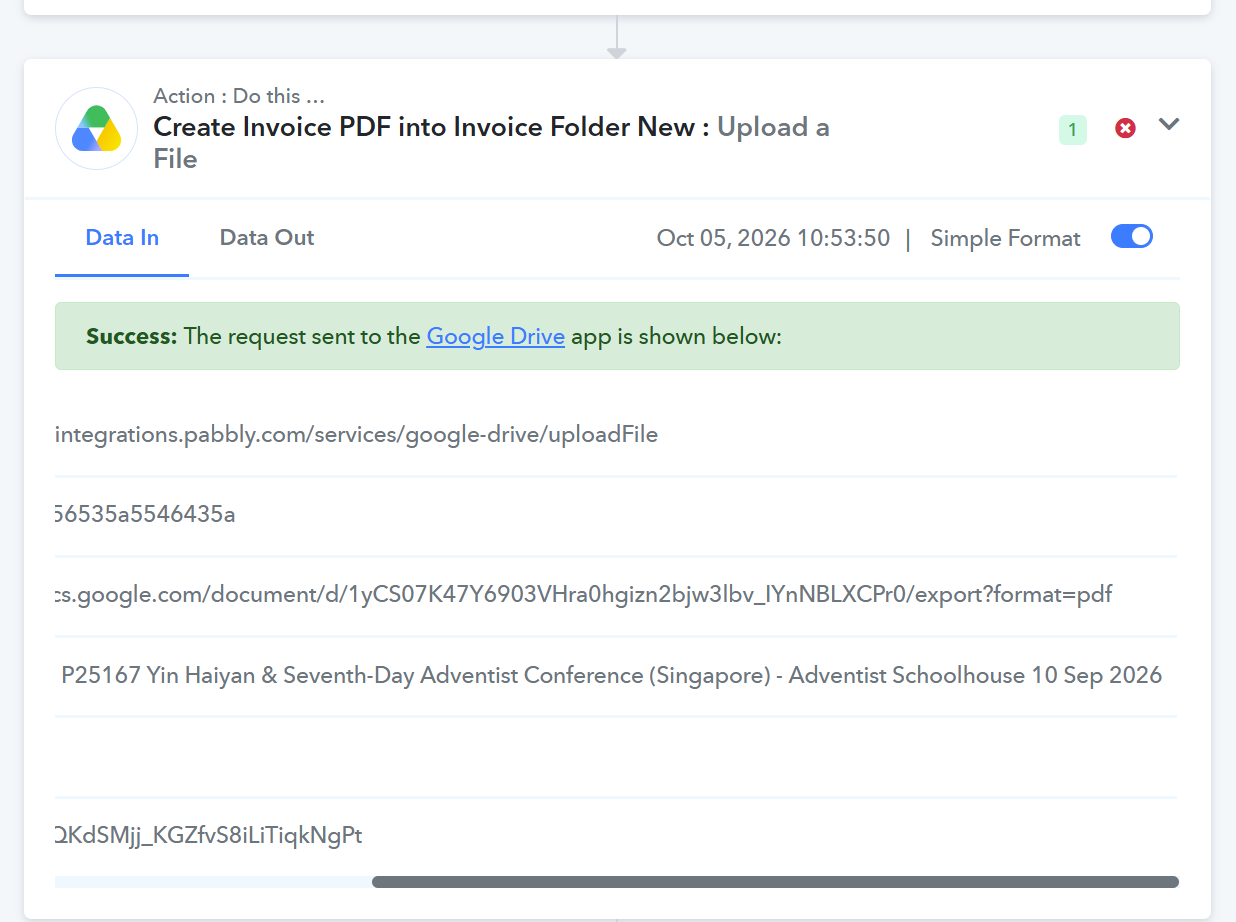
https://docs.google.com/document/d/1yCS07K47Y6903VHra0hgizn2bjw3lbv_IYnNBLXCPr0/export?format=pdf
When testing this URL in an unauthenticated window, Google returns “You need access.”
This indicates that access to this particular Google Doc is restricted. When Pabbly attempts to download the file using the URL, Google redirects the request to an access/login page instead of returning the PDF file itself. As a result, Pabbly receives an HTML webpage rather than the expected PDF file, which causes the error:
sourceUrl returned a web page instead of a file. Use a direct download link.
2. How to resolve the issue
Why this occurs:
The URL mapped in the File URL field is a Google Docs export URL (.../export?format=pdf). For Pabbly to process the file, the URL must return the actual PDF file directly. If the document requires authentication, Google may return an access or login page instead.
What to do:
Check the Google Drive sharing settings: Make sure the Google Document/File is accessible through the link. If appropriate for your use case, set the sharing permission to “Anyone with the link can view.”
Use a directly accessible file URL: Ensure that the URL mapped to the File URL field returns the actual file rather than a Google preview, login, or access-denied page.
After updating the access settings or URL, please test the workflow again.
If you have already verified the sharing settings and the issue still occurs, please let us know. We can then check the relevant execution further with your authorization.
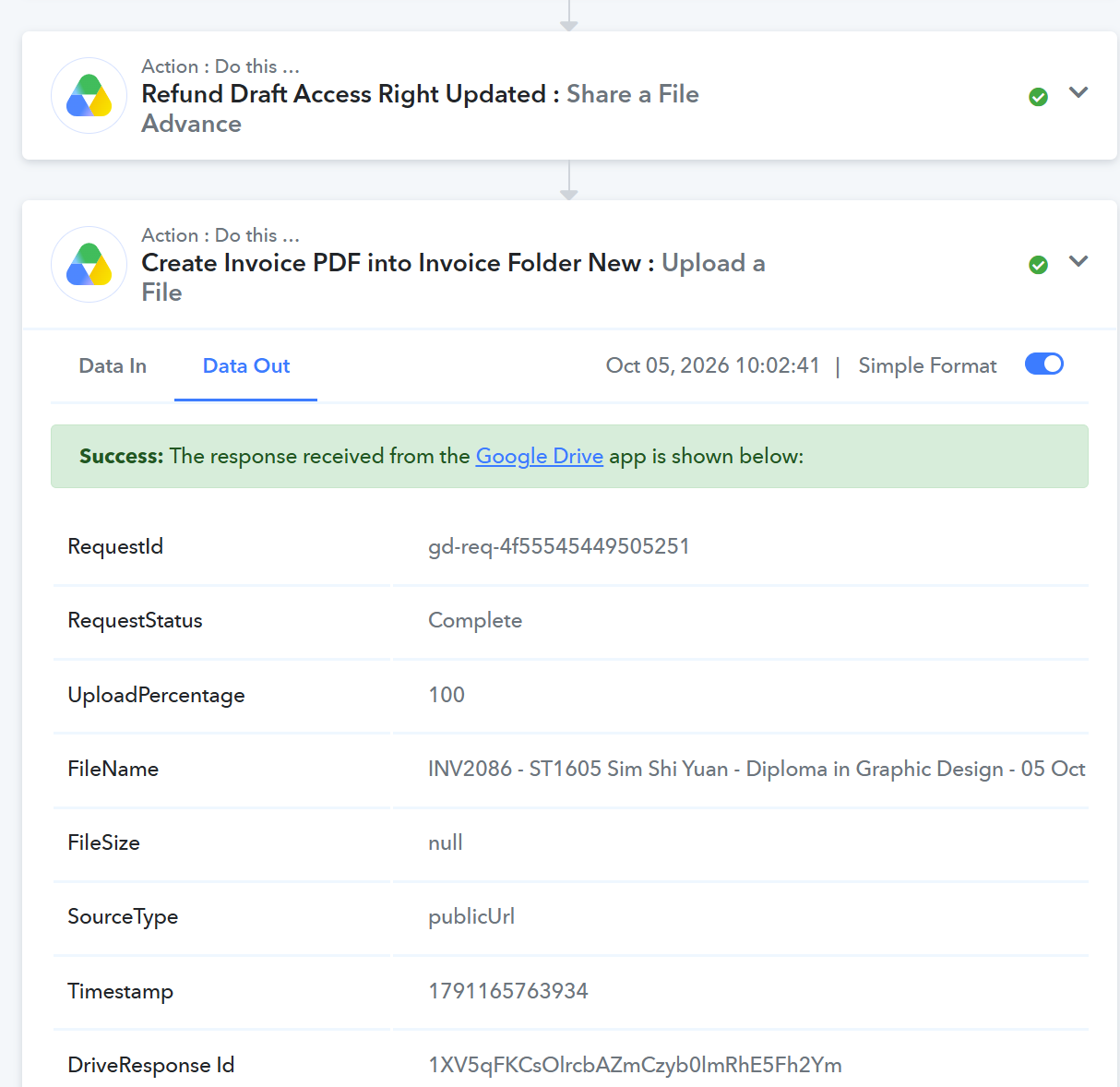
To rebuke your above explanation, please see all the following Task IDs which are successful just 1 hour ago.
1. IjU3NjYwNTZmMDYzMjA0M2Q1MjZkNTUzMDUxMzU1MTZiNTQzNjBmMzQi_pc
IjU3NjYwNTZmMDYzMjA0M2Q1MjZjNTUzZDUxMzA1MTYyNTQzOTBmMzAi_pc
IjU3NjYwNTZmMDYzMjA0M2Q1MjZjNTUzZDUxMzM1MTYxNTQzNTBmMzci_pc

Hello,
Could you please confirm whether the template used in this step '2. Create Invoice Doc' has been changed or modified under router 1? If yes, please let us know the changes made to the template.
Also, if possible, please provide a screen recording.
This will help us review the exact process and investigate the issue further.
Hello,
Just following up on our email shared earlier.
Could you please confirm whether the template used in this step '2. Create Invoice Doc' has been changed or modified under router 1? If yes, please let us know the changes made to the template.
Also, if possible, please provide a screen recording.
This will help us review the exact process and investigate the issue further.
Hello!
It seems that the matter has been resolved, as we haven’t received any further queries from your side.
If there are any other concerns, please do let us know. We will be happy to assist you.