Why are my WhatsApp messages failing due to a billing currency issue?

Status: Closed · Asked by Faiaz Magid on · 0 views

Faiaz Magid — Question ·
Hi Pabbly Support,

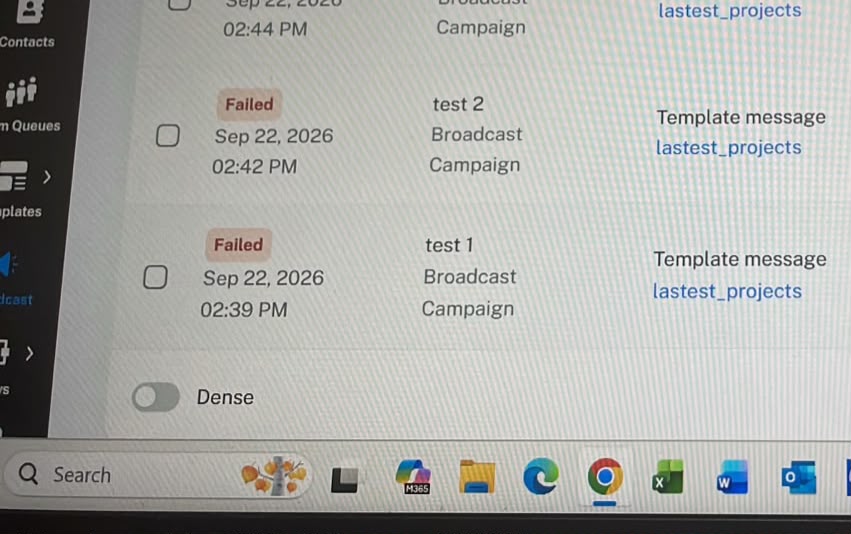
I’m having an issue with Pabbly Chatflow. My messages are showing as “Failed” when I try to send them through WhatsApp.

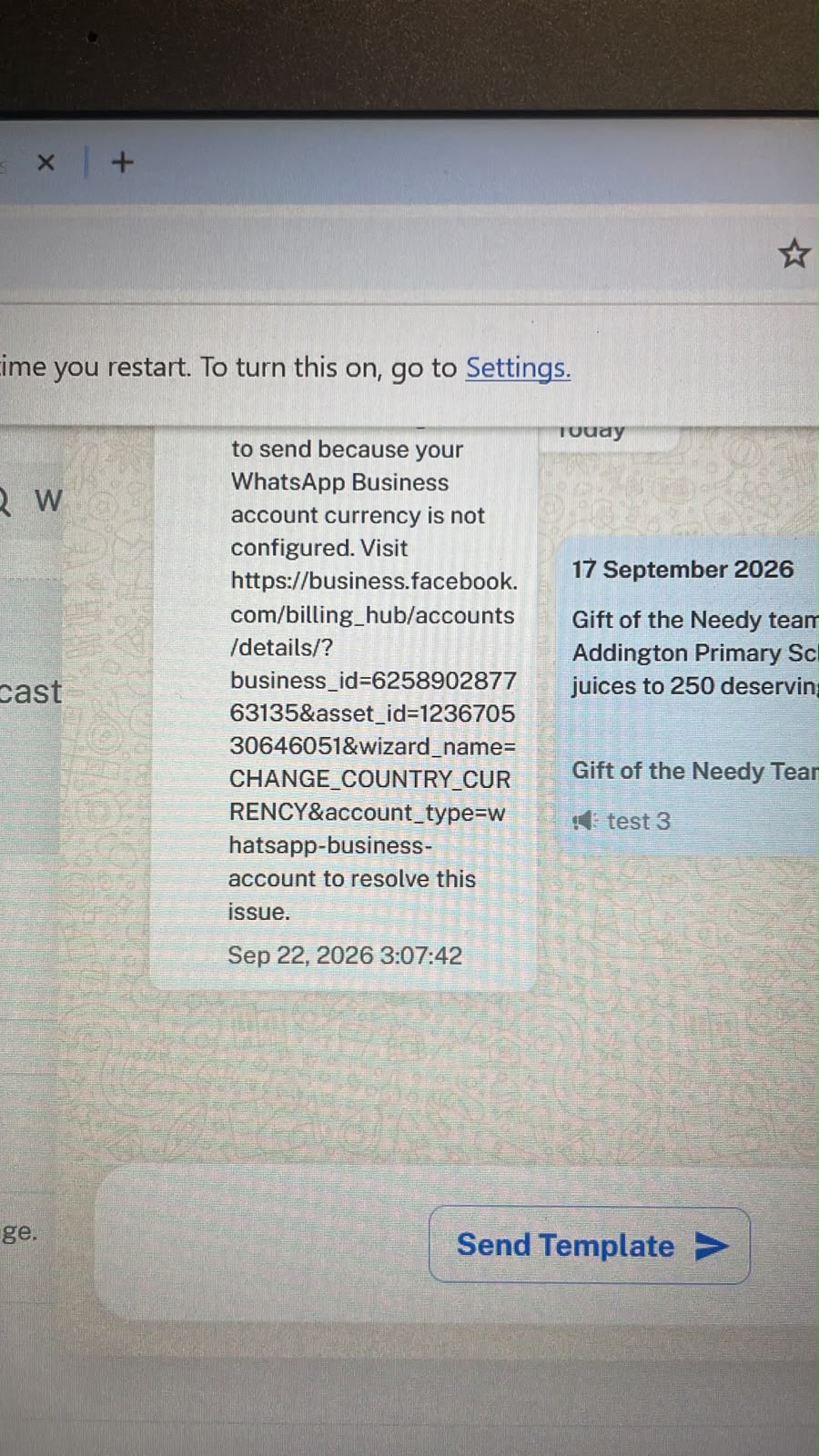
One of the screenshots attached mentions something about my billing currency. I can’t seem to find where I can change or update the billing currency in my Meta Business account, and I’m not sure why this is causing an issue.

Could you please help me identify what is causing the messages to fail and guide me on how to fix this?

I’ve attached screenshots of the error for reference.

Thank you.
WhatsApp Image 2026-09-22 at 15.49.16.jpeg
WhatsApp Image 2026-09-22 at 15.49.27.jpeg
Pabbly Support — Reply ·

Hello Faiaz,

Thank you for reaching out and for sharing the screenshots.

The billing currency error you're seeing (Meta error #131042) is returned by Meta, not by Pabbly itself. It relates to the billing and payment configuration of your WhatsApp Business Account (WABA) in your Meta Business Manager, specifically the currency not being configured. Please work through the following checks on the Meta side:

1. Payment method: Ensure a valid, verified payment method is added in Meta Business Manager under Billing and Payment Settings, and that it isn't expired or declined.

2. Currency and timezone: Set these correctly in your Meta Business settings. The currency is typically configured in the billing/payment settings for your WhatsApp Business Account. Note that currency is usually set when the payment method is first added and may not be editable afterward, so it can help to review your billing setup carefully here.

3. Credit line: Confirm your credit line is active and not exceeded.

4. WABA status: Make sure your WhatsApp Business Account is active, not restricted or suspended, and is properly linked to the billing account.

5. Tax details: Adding applicable tax/GST information in the billing section is mandatory.

6. Business verification: Complete Meta's business verification with the required documents.

Once the payment method and currency are properly configured and verified on Meta's side, your template/broadcast sends should resume automatically. If the issue still persists after completing the above, please retest with a single number.

Thanks & Regards,

Adeel Akhtar
🌐 Pabbly.com

Back to all forum threads · Log in to reply